Linux

OPEN-SOURCE MISSION

Shadowfetch exists so the people who run AI agents own the ground those agents run on. We build in the open — a signed, Debian-derived desktop released under the GPL — because software you cannot read is software you cannot trust, and no one should have to take a black box’s word for what it does with their machine, their files, or their work. Your agents run on your own hardware, in sandboxes you can inspect, with no account to create and no telemetry to phone home, and a snapshot to fall back on when something breaks; what you do stays private to you, while the source, the build, and every release stay open for anyone to audit, fork, and improve. We stand on Debian’s shoulders and state plainly what we add — and we give it all away, because a future where computing remains private, inspectable, and in the hands of the people who use it is one worth building in the open, together.

SHADOWFETCH LINUX 4.1.0 / MISSION CONTROL

Your computer.
Your agents.

Work you can inspect. Give a task an approved project, watch it progress, and review the files, tests and changes before you accept the result.

shadowfetch-4.1.0-amd64.iso · 3.98 GB (3.71 GiB) · amd64 · 2026-09-10

Debian + KDE Plasma 6 · No Shadowfetch account · Signed downloads

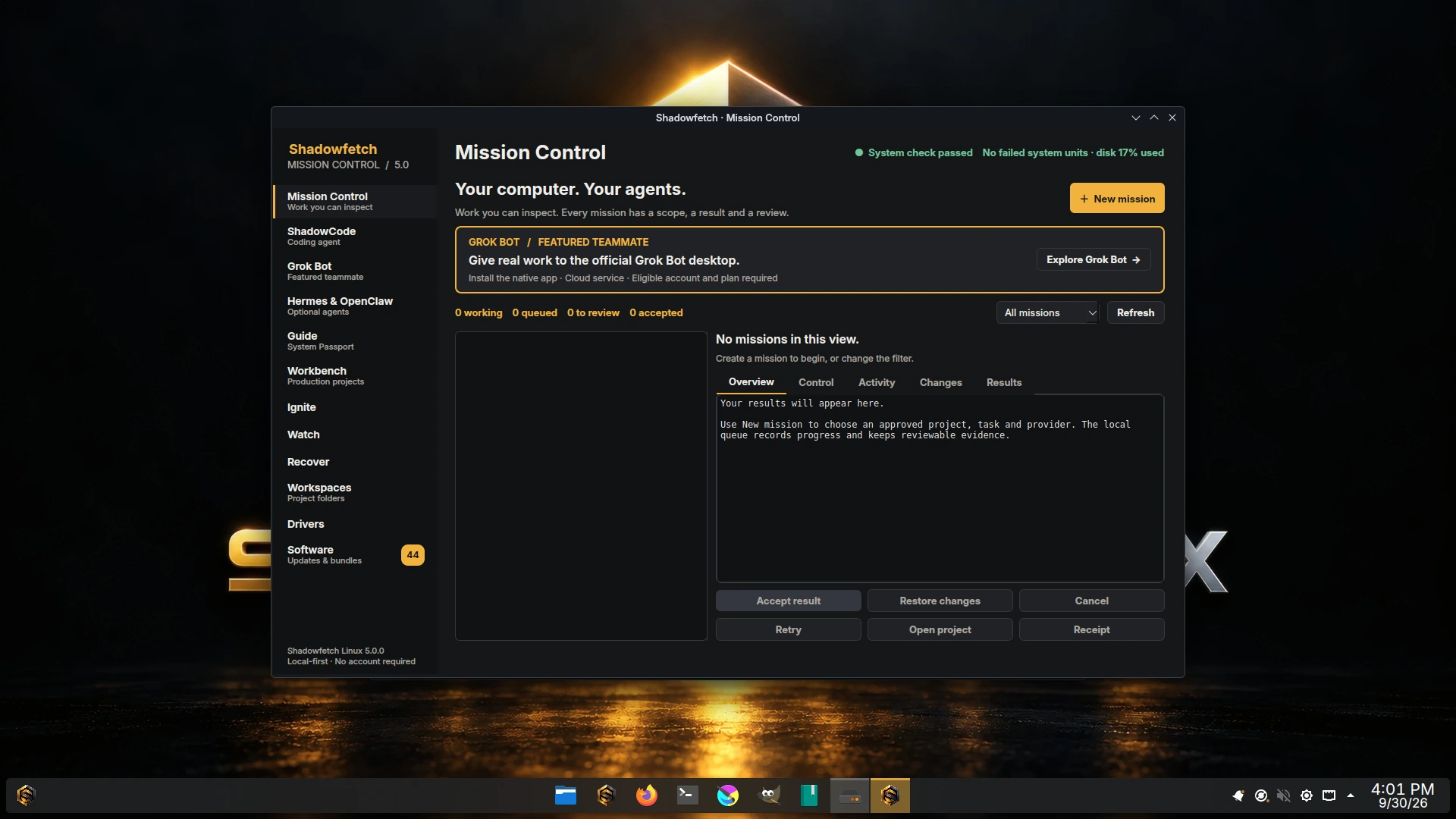
Mission Control on Shadowfetch Linux 4.1. Request, execution and review stay on one desktop.
Mission Control on Shadowfetch Linux 4.1. Request, execution and review stay on one desktop — every mission has a scope, a result and a review.
REQUEST → EXECUTION → REVIEW

A useful result, with the evidence beside it.

See the three workflows ↗

FEATURED TEAMMATE / OFFICIAL NATIVE LINUX APP

Meet Grok Bot.

AI teammates you can give real work to. Install the official desktop during first boot, then sign in and manage its cloud tasks in the native app.

Explore Grok Bot →
Official Grok Bot desktop sign-in screen. Grok Bot ships featured in Shadowfetch Linux 4.1; internet and an eligible vendor account are required.
The official Grok Bot sign-in screen, captured on the tested installation. Grok Bot ships featured in Shadowfetch Linux 4.1; it needs internet and an eligible vendor account, and cloud access stays vendor-controlled.
Verified native packageEligible account and plan requiredSeparate from Grok Build CLICloud setup paused in Ice

A DESKTOP THAT GETS WORK DONE

From a request to something useful.

01

Mission Control

A native desktop for queued tasks, activity, changes, output files and review. Give a mission an existing Workbench project and an explicit connection scope.

02

Grok Bot, prominently featured

For the first time in Shadowfetch Linux, choose the official Grok Bot desktop at startup. Its verified installer, dedicated page and application-menu entry open the native vendor application. Account access depends on its service and eligibility.

03

Three useful workflows

Code with user-selected tests, reports with source citations, and deterministic FFmpeg exports. Each workflow produces files and execution evidence you can inspect.

04

Persistent, bounded work

The local queue survives restarts. A single execution slot, time and process limits, cancellation, bounded retries and recovery checkpoints keep work manageable.

05

Firebreak that enforces what it records

Agent processes receive an approved project and required system files. Every sandbox gets its own network namespace, so host loopback services and abstract sockets are out of reach whether the task is online or not. Where a mission declares destinations, a default-DROP nftables ruleset permits only the addresses those names resolved to; with no destination declared there is no ruleset, and the sandbox reaches anything the machine can reach. Declared masked paths are real mounts, and 46 syscalls answer EPERM in every sandbox.

06

Workspaces for Fire and Ice

Keep your project, inputs and results together. Use connected coding agents in Fire, or work with local files and deterministic media tools offline in Ice. An on-device provider ships in 4.1 and runs with no network at all; no model weights are bundled, so it reports installed-unavailable until you supply a model service.

Inside Shadowfetch Linux 4.1

7 screenshots · real 4.1 release captures

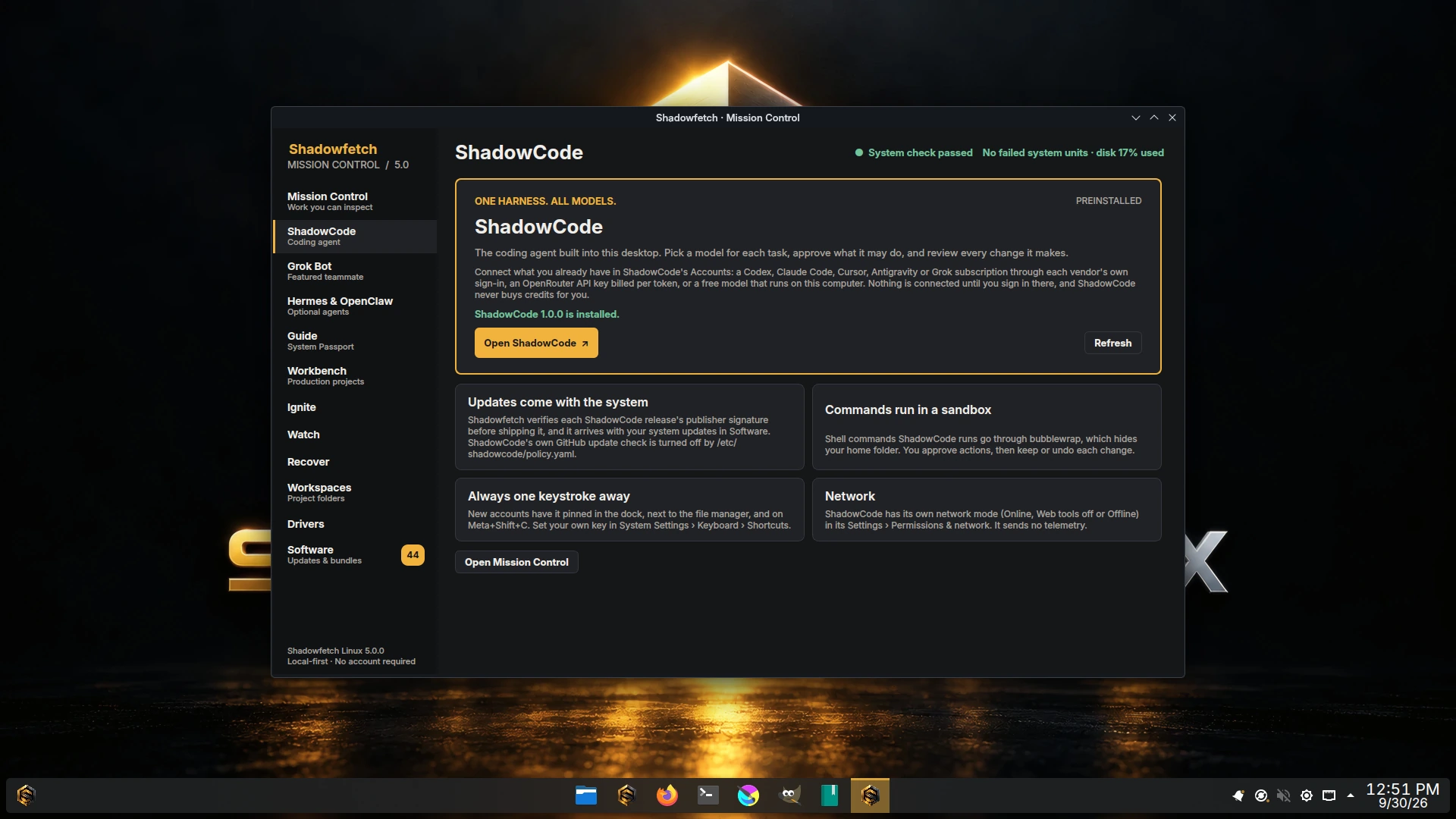
  • Mission Control on Shadowfetch Linux 4.1. Request, execution and review stay on one desktop.
    Mission Control
  • Grok Bot page in Mission Control on Shadowfetch Linux 4.1, the featured native teammate with a verified install flow.
    Grok Bot
  • Fire desktop first-run setup on Shadowfetch Linux 4.1.
    Fire
  • Ice desktop first-run setup on Shadowfetch Linux 4.1.
    Ice
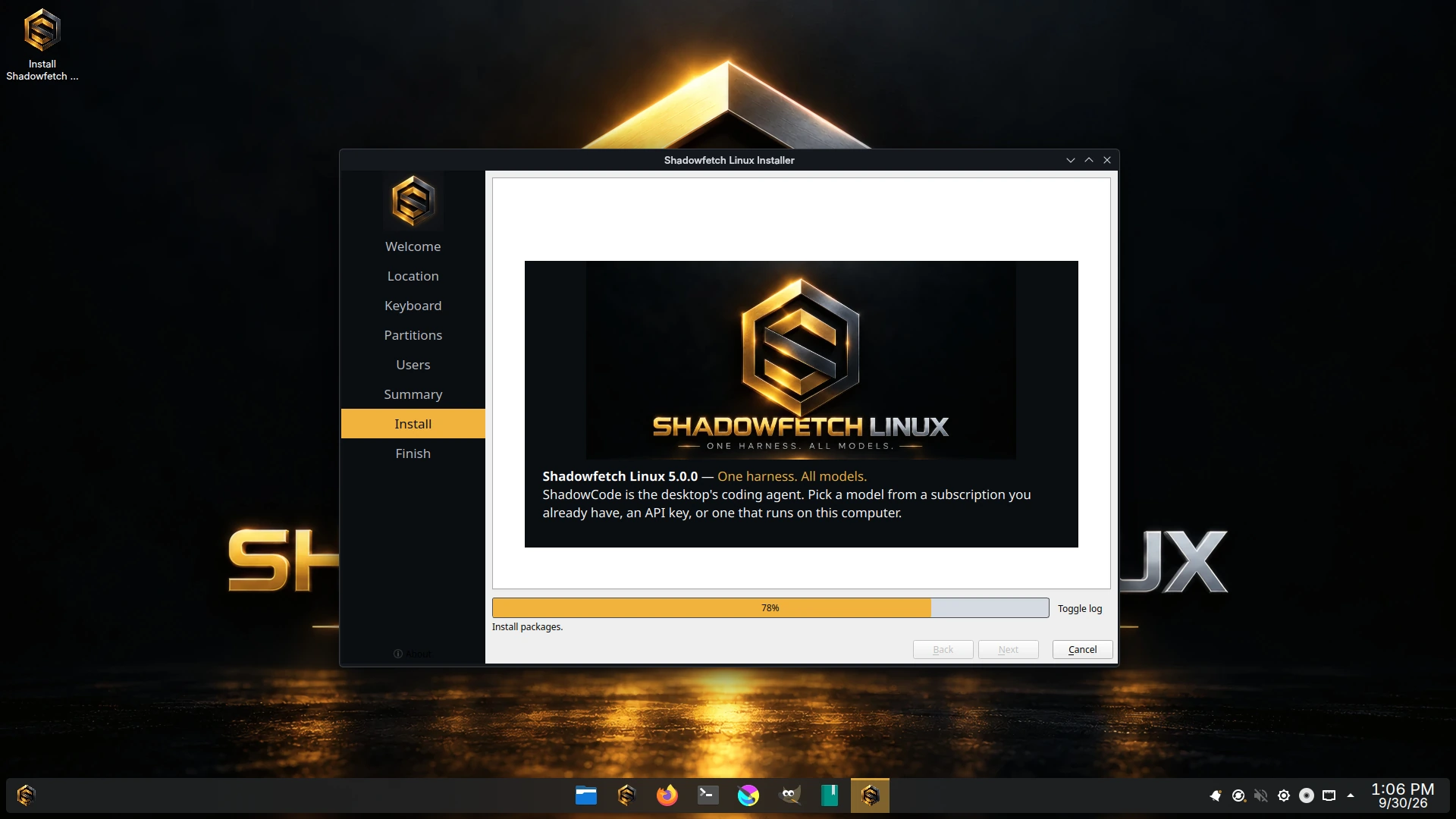
  • Calamares installer on Shadowfetch Linux 4.1.
    Installer
  • Guided installation complete on Shadowfetch Linux 4.1.
    Installed
  • Shadowfetch Linux 4.1 desktop staying responsive with all CPU cores under load.
    Under load

4.0 REVIEW FILMS

Thirty seconds, two orientations.

Blender review exports with the approved gentle female narration. These are 4.0 review films. The 3.5 YouTube walkthrough further down the page remains historical.

Landscape · 1920×1080 · 30s
Portrait · 1080×1920 · 30s

Same films on Archive.org·The 4.0.0 launch record

A RELEASE YOU CAN CHECK

The files and the evidence belong together.

Download facts come from the published release manifest. Verify the checksum and signature, inspect the source, and read the release's own test evidence and limits.

SHA-256 e19e96302f97e94d5284f8fbef181c9b0e49ca7b746afe5e66e4bc6d5c551f25

Release walkthrough

Shadowfetch Linux 4 — Mission Control and Grok Bot

A short introduction to Shadowfetch Linux 4 — Mission Control's inspectable, undoable agent missions, the Fire and Ice editions, and the option to choose Grok Bot at first-boot setup.

Watch on YouTubeif the player does not load.

Shadowfetch Linux is free and open-source software. Optional vendor applications have their own licenses and accounts. Commercial product apps are separate at shadowfetch.com.

Earlier Shadowfetch releases have been covered by Linuxiac, LinuxLinks and DistroWatch. Their earlier reviews are not claims about this release.