For the first time in Shadowfetch Linux, Grok Bot is an optional choice at startup. Its featured card appears during first-boot setup; you decide whether to install it.
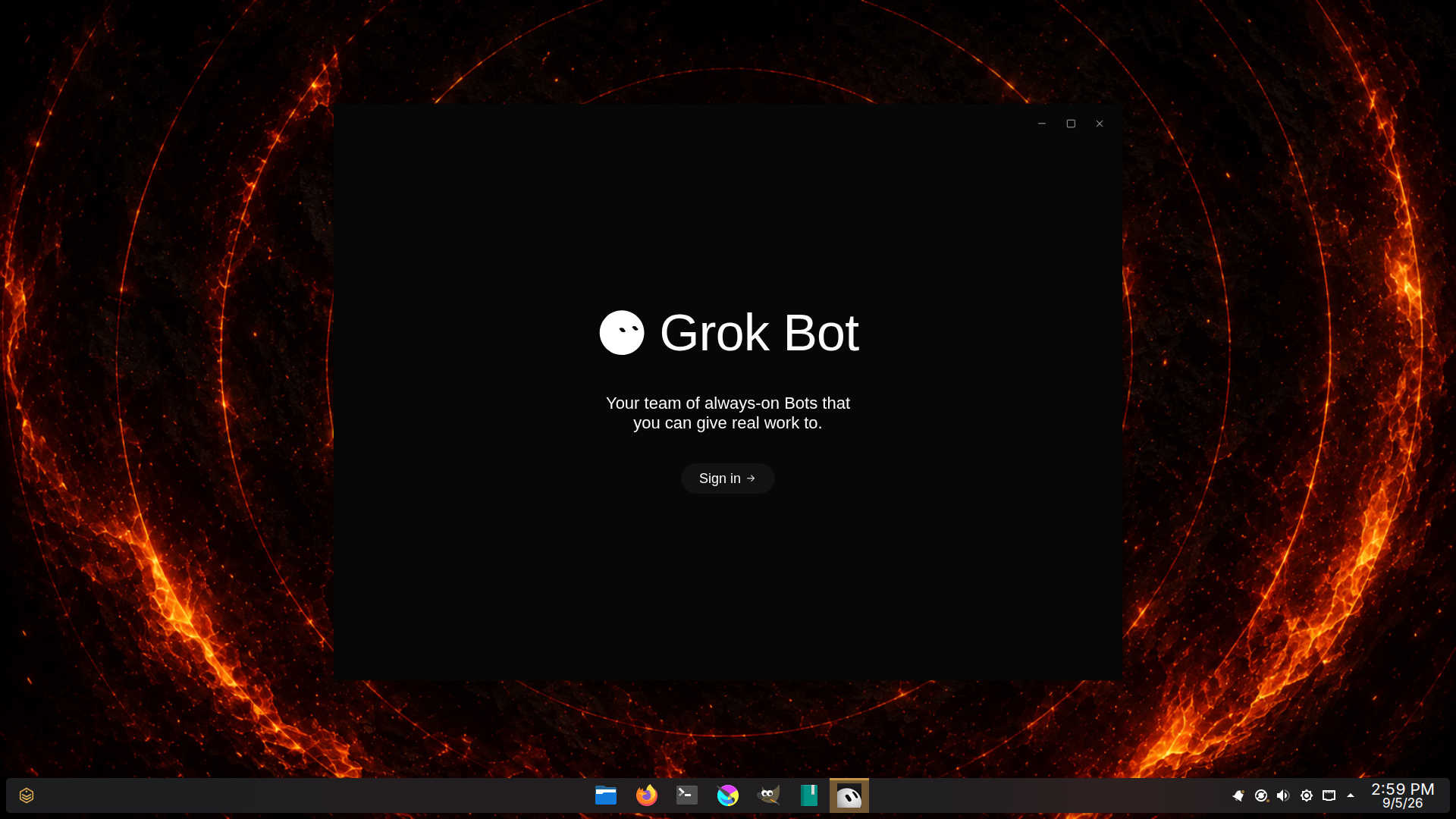
The tested 4.0 installation verified official Grok Bot 0.43.0, and its installed files. Shown above is its actual initial sign-in screen. An eligible vendor account and internet connection are required. Account access and cloud task execution remain unverified; see known issues for connection errors observed on earlier candidates.
From first boot to the official app.
- In Welcome, open Build your agent team and select the featured Grok Bot card.
- Review the cloud service, download, administrator approval and vendor update-source information.
- Shadowfetch verifies the pinned native package before installing it.
- Open Grok Bot and sign in in the native application using an eligible account and plan.
The application menu and Mission Control's dedicated Grok Bot page keep setup, verification and launch within reach after first boot.
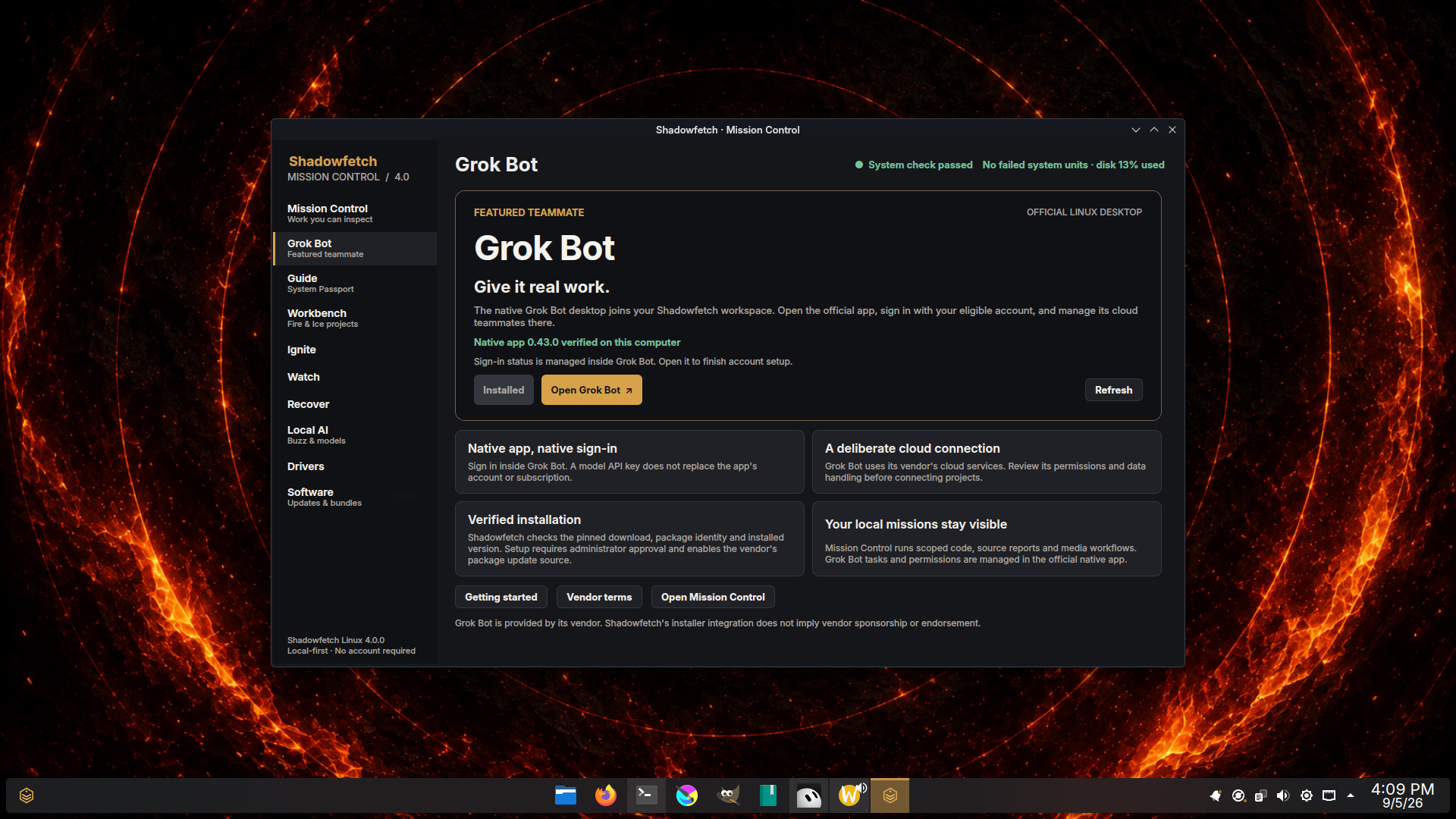
The distinctions that matter.
| Tool | Where its work happens | Account and connection |
|---|---|---|
| Grok Bot | Official native desktop and its cloud teammates | Eligible vendor account and plan; native sign-in |
| Grok Build | Separate coding CLI | Its own supported account setup |
| Mission Control | Shadowfetch's scoped local task queue and selected compute | No Shadowfetch account; cloud providers require explicit approval |
An API key for model inference does not replace Grok Bot's native app account. Installing the package proves installation; opening the sign-in screen proves launch. Neither alone proves that a cloud task has completed.
Fire connects. Ice makes the boundary explicit.
Grok Bot is a cloud service. Its installer and launcher pause in Ice. Switch to Fire deliberately when you want to install and use it, then review the vendor's project permissions and data handling. The distro does not bundle an account, subscription or credential.
shadowfetch-control --page grok-bot
shadowfetch-grok-bot status --json
shadowfetch-grok-bot doctor --json
Official getting started guide ↗ · Vendor terms ↗
Grok Bot is provided by its vendor. This integration does not imply sponsorship or endorsement.