Shadowfetch Linux 5.0.0 «Umbra» · ShadowCode
Inside Shadowfetch Linux 5.0
9 captures of the signed 5.0.0 ISO and its last release candidate, taken in a virtual machine from its live session and from an installed system.
Capture notes
Welcome and Mission Control are captures of the signed 5.0.0 ISO (SHA-256 2d8a72e044e8…). The other images are captures of its last release candidate (SHA-256a83d7d8af32c…), one rebuild earlier; that rebuild's fixes (the Guide page, a menu entry, the Firebreak launcher, mission retry counting, help text and a line of Ignition copy) are not on those screens. Each caption says which image it shows. All were taken in a QEMU/KVM virtual machine: the installer from the live session, the rest from an installed system with a demo user and no accounts connected. Each was reviewed by eye and checked for private data before publication. Screenshots show that a screen exists and what it says; they do not establish physical-GPU performance, a completed cloud task, or an acceptance result.
The 5.0 image set
9 images
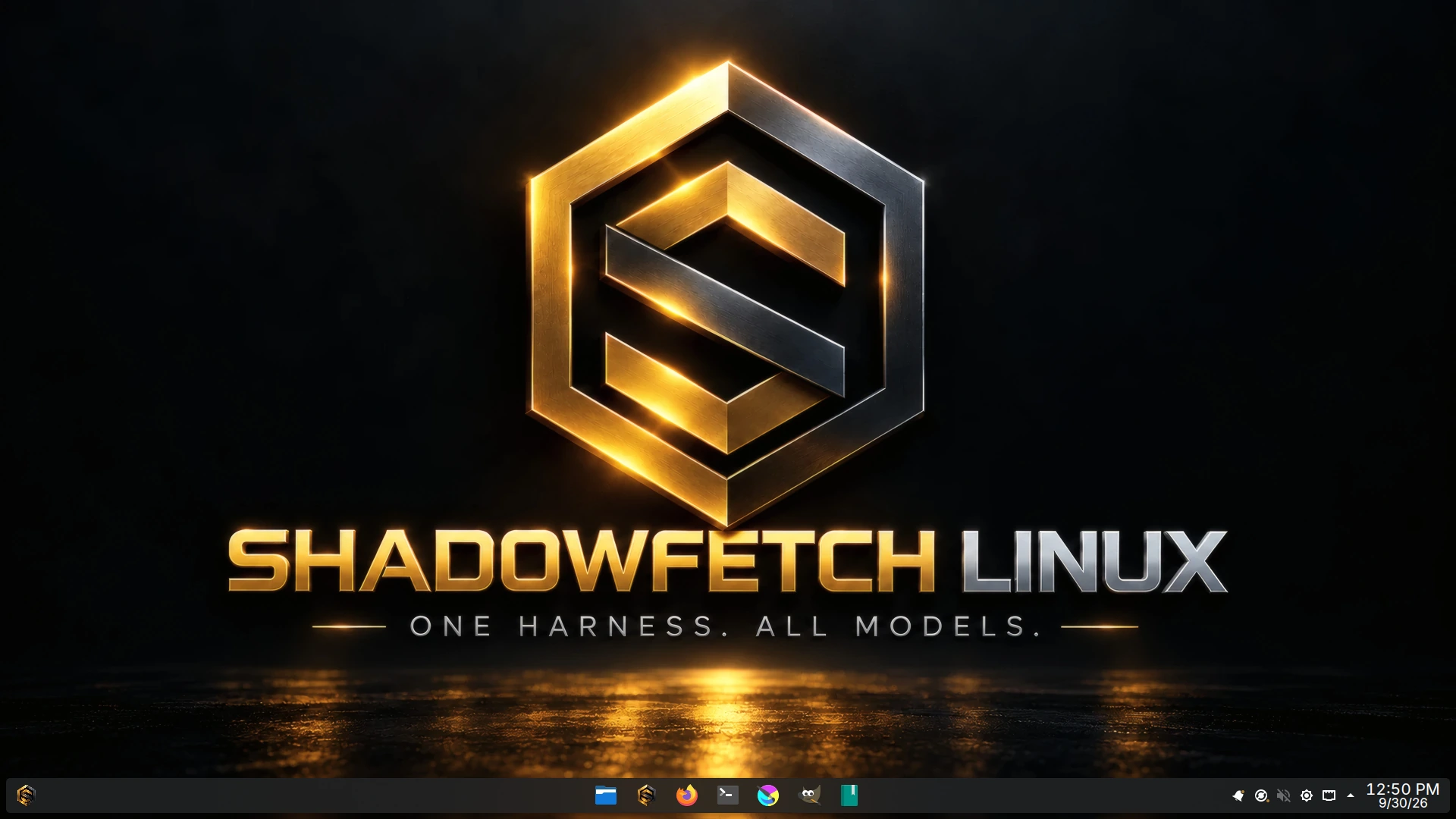
The 5.0 desktop
The installed Shadowfetch Linux 5.0 Plasma desktop: the gold-and-steel ShadowCode wallpaper and the dock with ShadowCode pinned next to the file manager. Captured in a virtual machine from the last 5.0.0 release candidate, one rebuild before the signed ISO; the rebuild changed nothing on this screen.
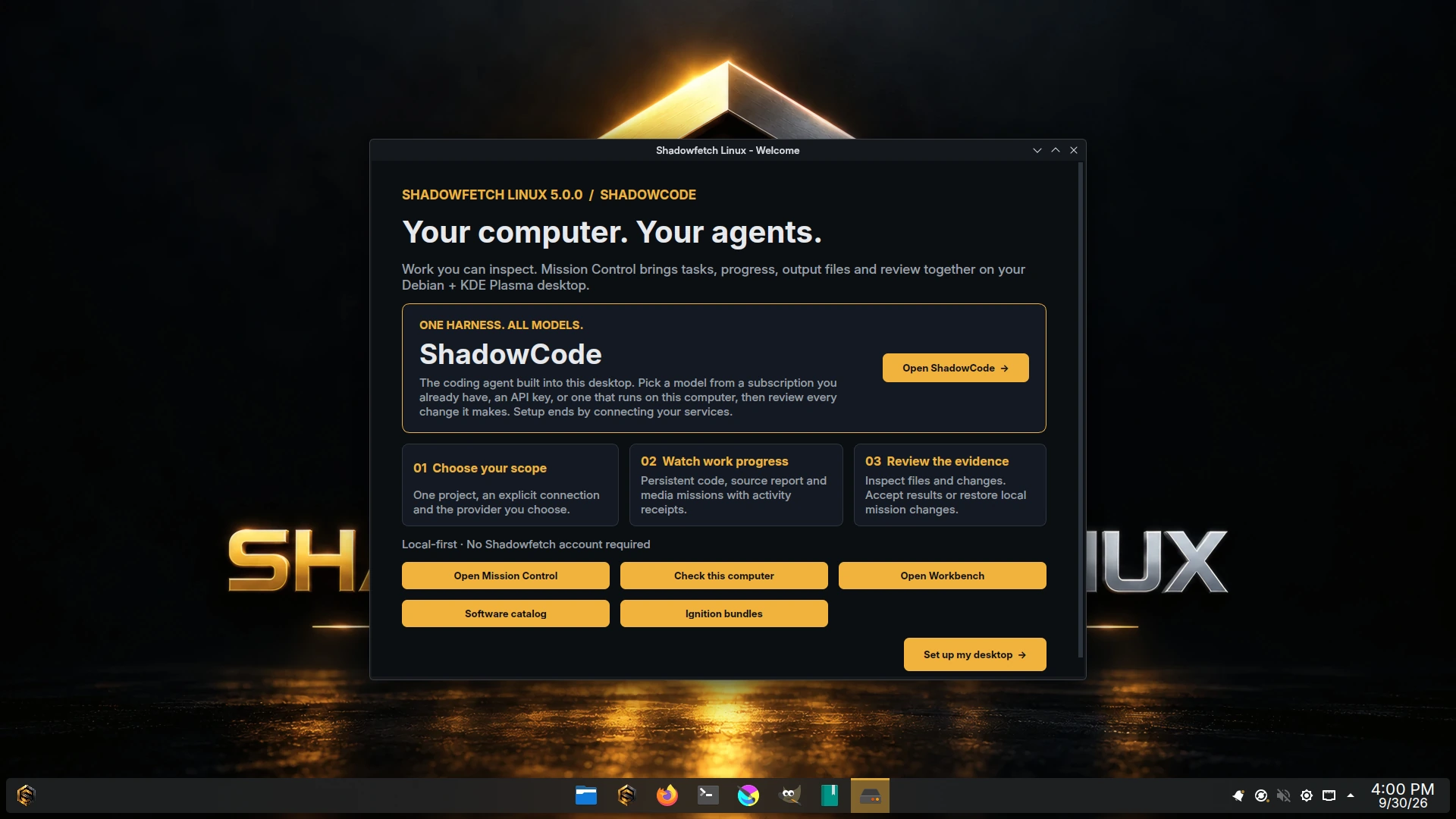
Welcome
First-boot Welcome for 5.0.0: ShadowCode first, then Mission Control, a system check, Workbench, the software catalog and Ignition bundles. Captured from the signed 5.0.0 ISO in a virtual machine.
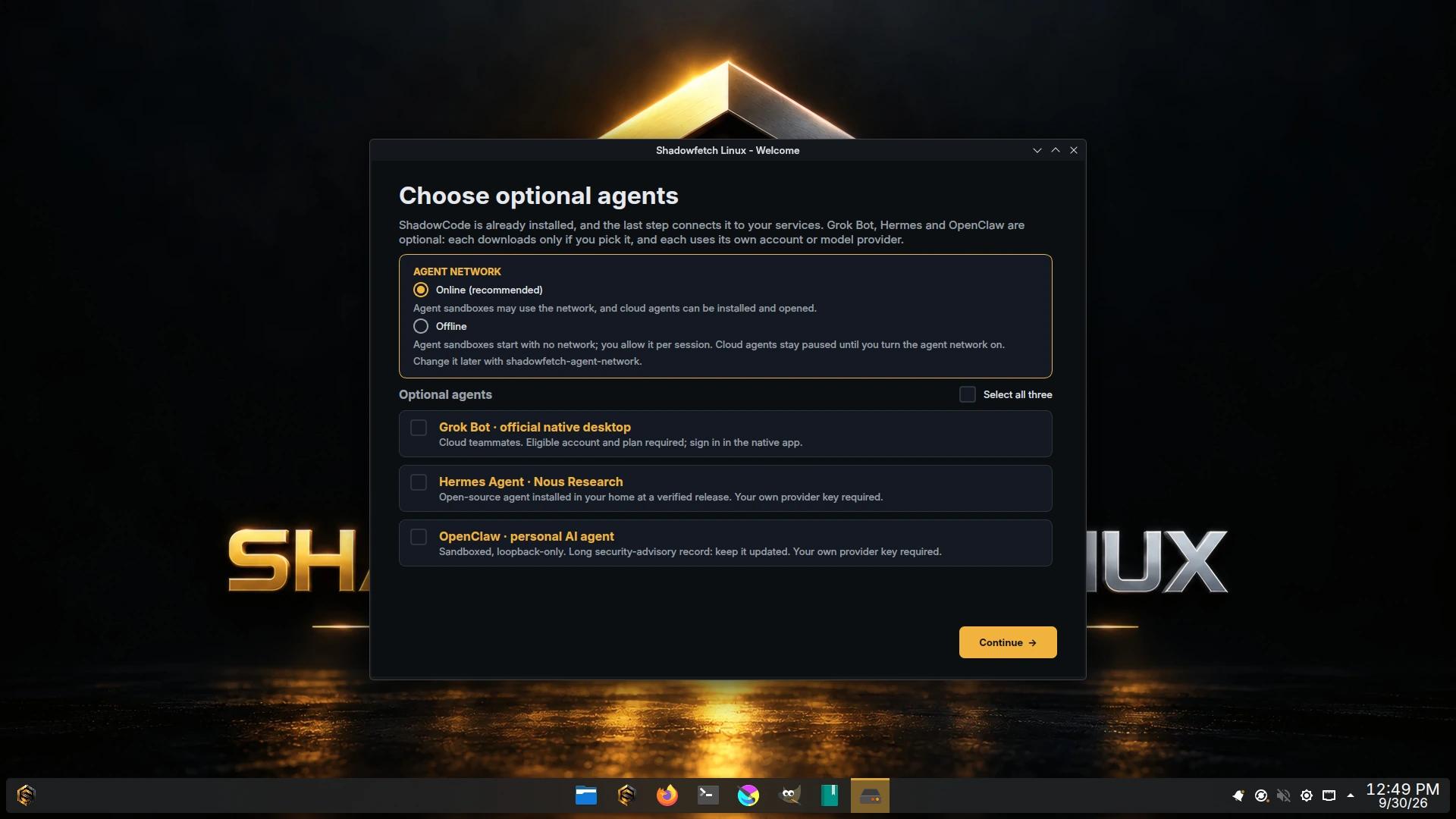
Three optional agents
Welcome's optional-agents step: the agent network choice (Online recommended, or Offline), then Grok Bot, Hermes Agent and OpenClaw, none selected until you pick one. Captured in a virtual machine from the last 5.0.0 release candidate, one rebuild before the signed ISO; the rebuild changed nothing on this screen.
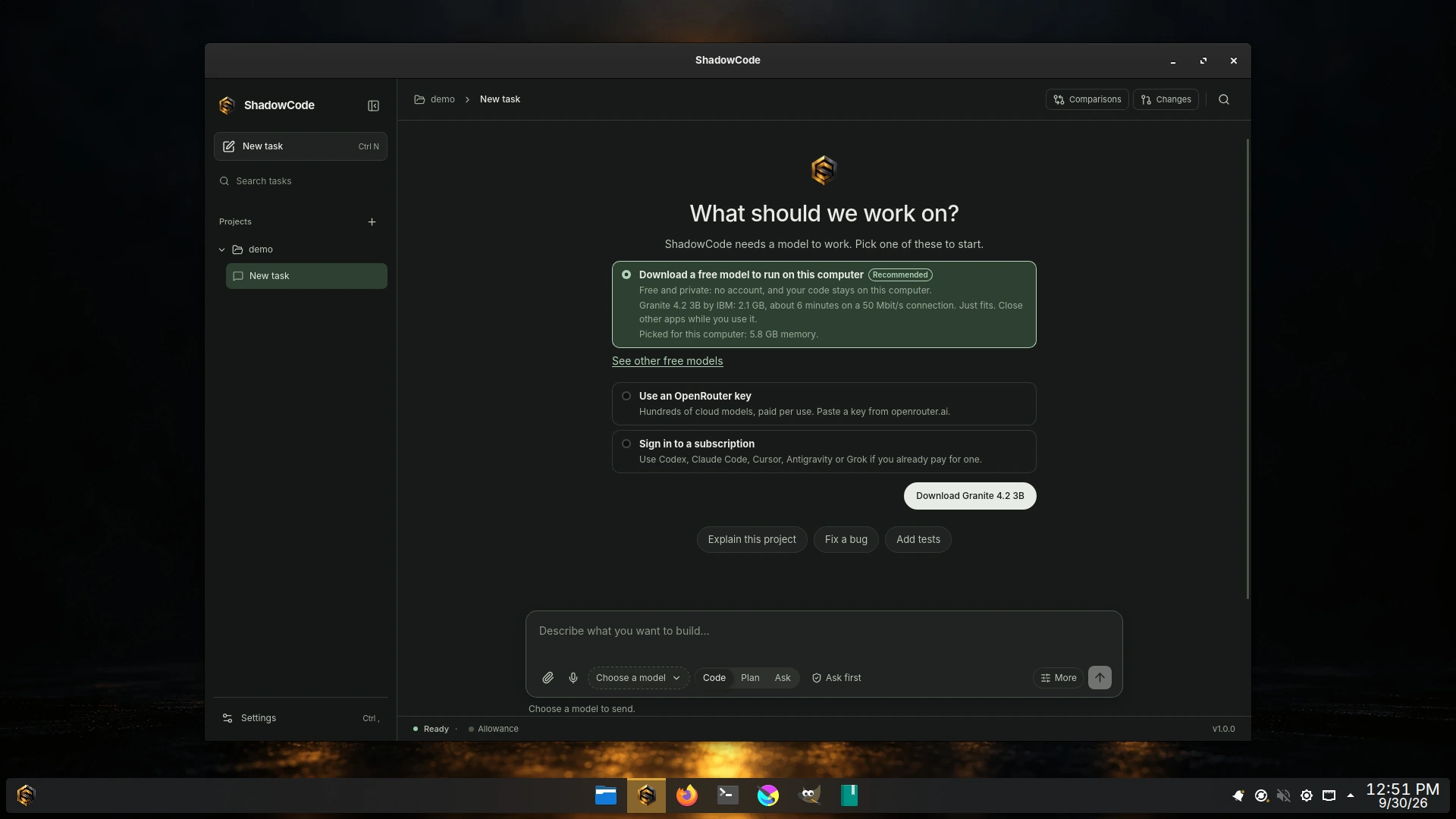
ShadowCode first run
ShadowCode 1.0.0 opened from the 5.0 dock on a new project. With nothing connected yet it recommends a free model picked for this computer, or an OpenRouter key, or signing in to a subscription you already have. Captured in a virtual machine from the last 5.0.0 release candidate, one rebuild before the signed ISO; the rebuild changed nothing on this screen.
ShadowCode in Mission Control
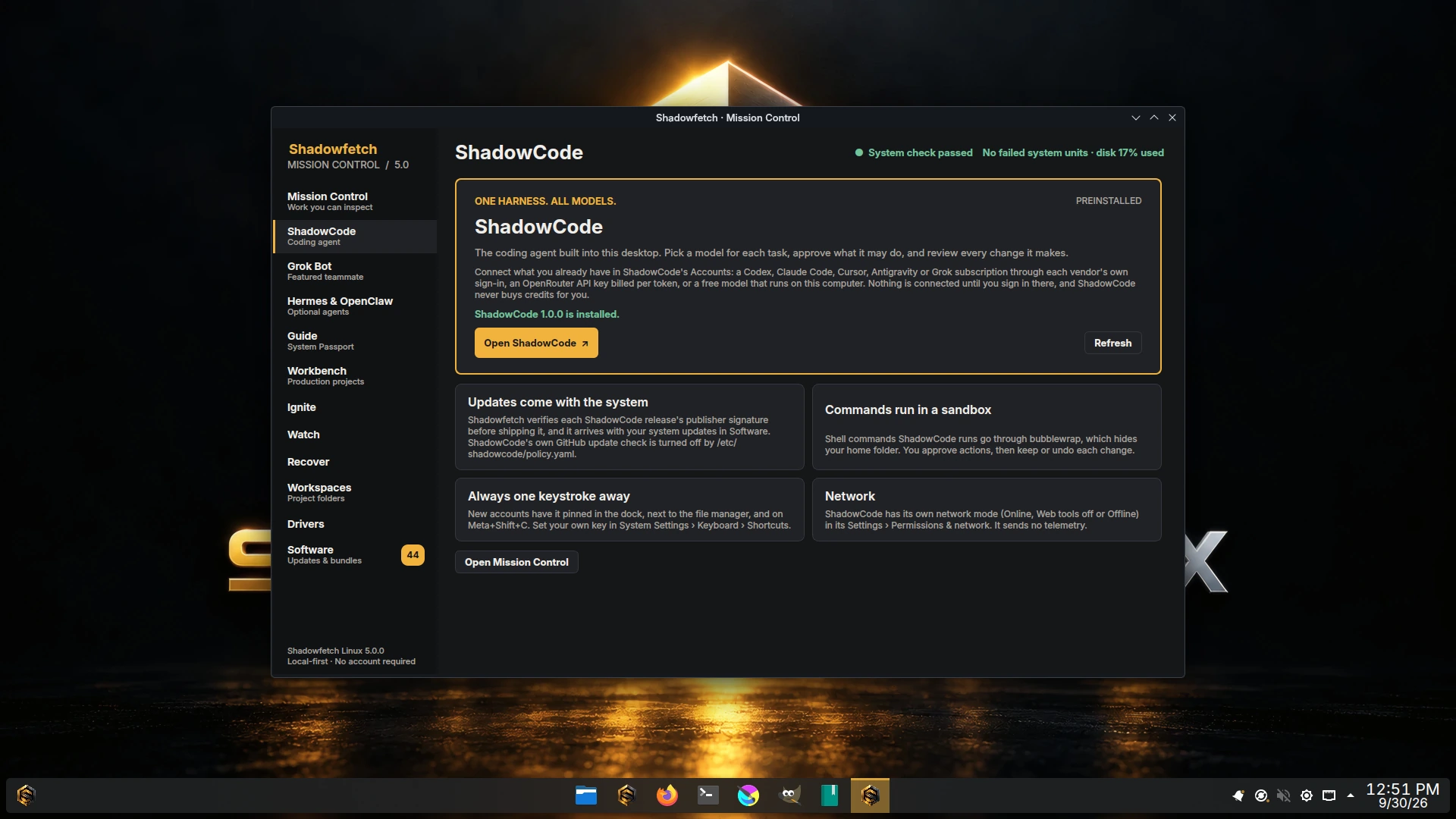
Mission Control's ShadowCode page reports ShadowCode 1.0.0 installed, and explains system updates, the command sandbox, Meta+Shift+C and ShadowCode's own network mode. Captured in a virtual machine from the last 5.0.0 release candidate, one rebuild before the signed ISO; the rebuild changed nothing on this screen.
Mission Control
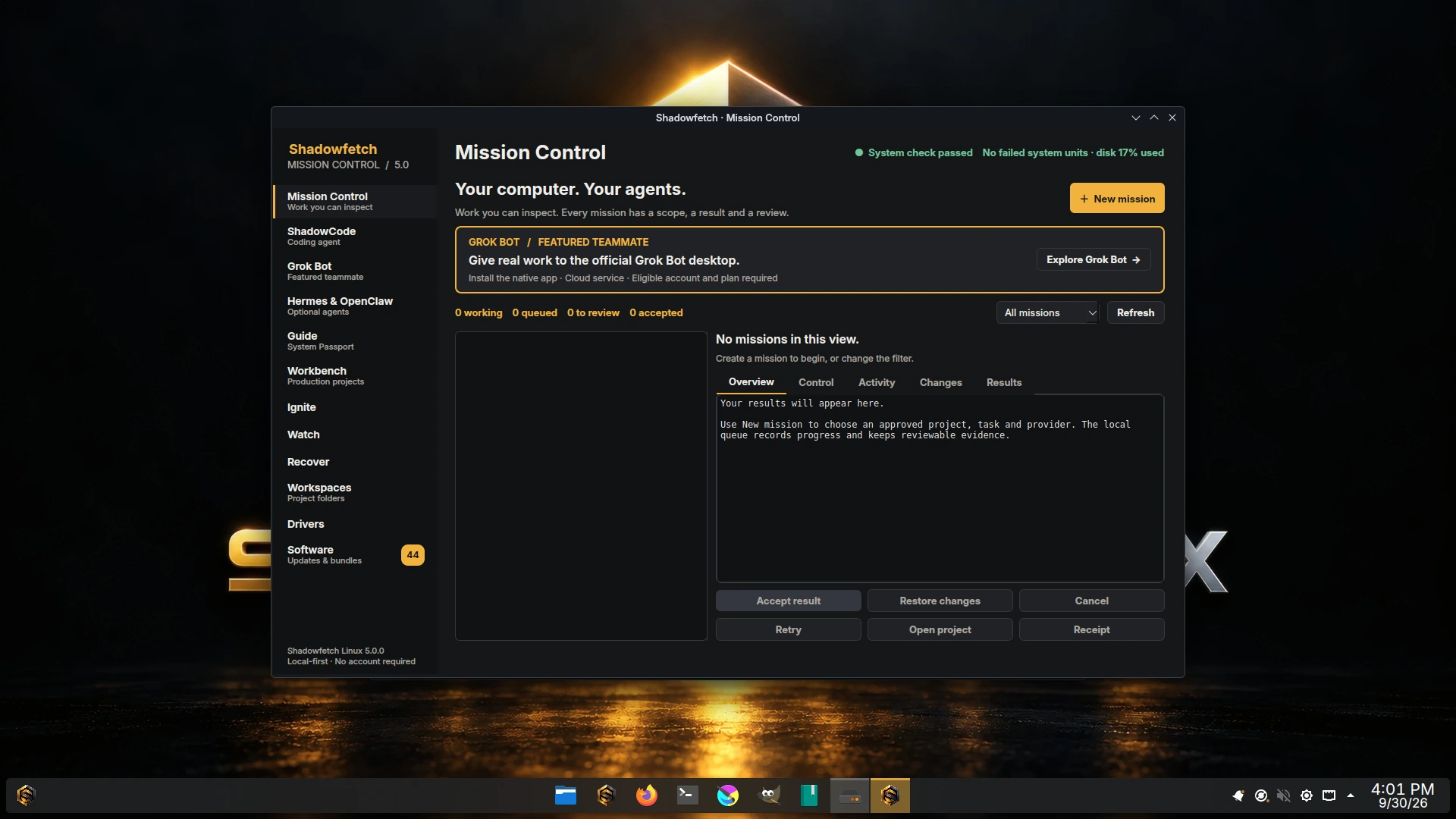
Mission Control 5.0 on a fresh install: system check passed, the mission queue empty, ShadowCode, Grok Bot, and Hermes & OpenClaw in the sidebar, and a gold badge on Software counting available updates. Captured from the signed 5.0.0 ISO in a virtual machine.
Calamares installer
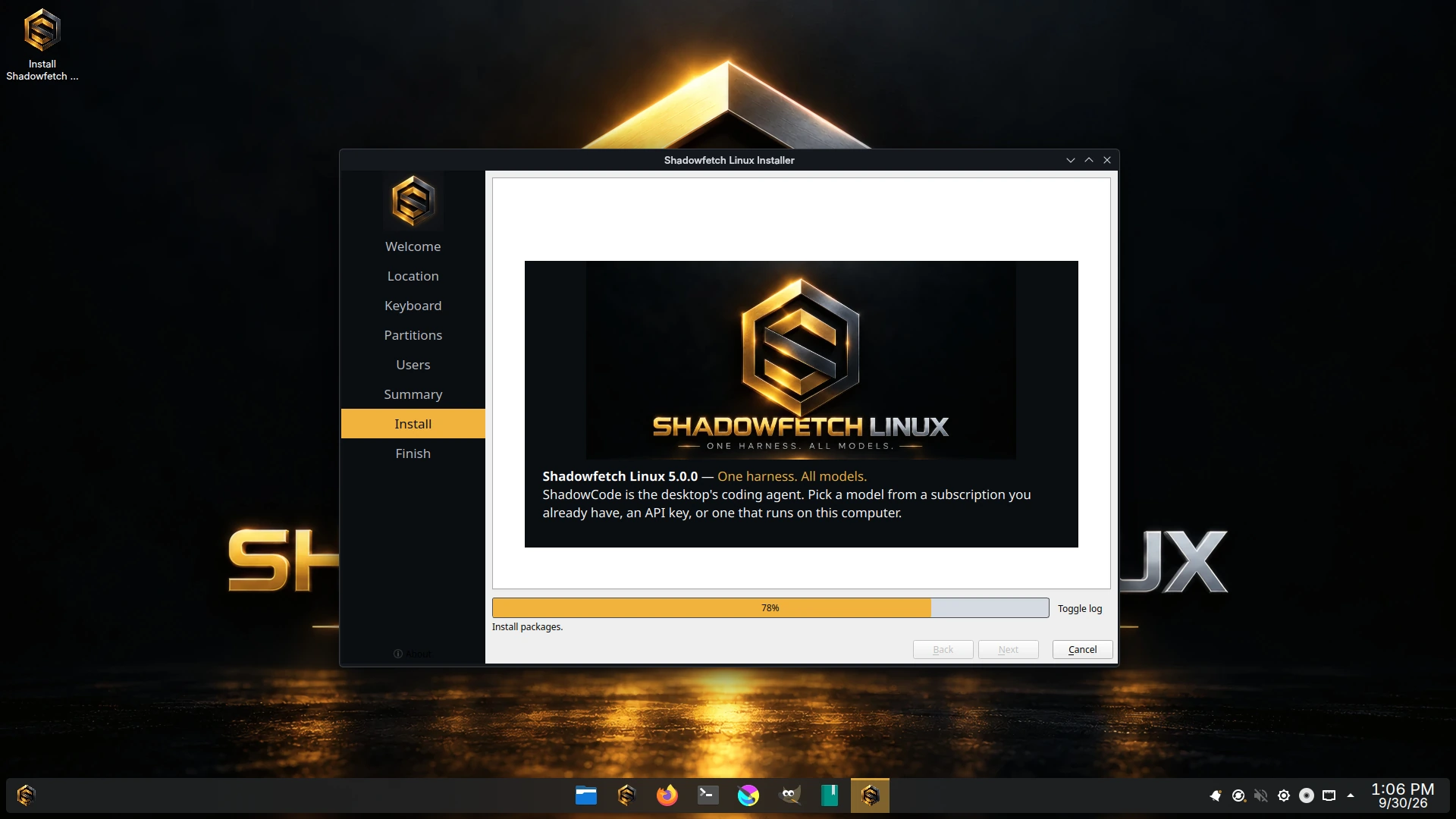
Calamares installing Shadowfetch Linux 5.0.0 from the live ISO, with the ShadowCode slide on screen. Captured in a virtual machine from the last 5.0.0 release candidate, one rebuild before the signed ISO; the rebuild changed nothing on this screen.
Login screen
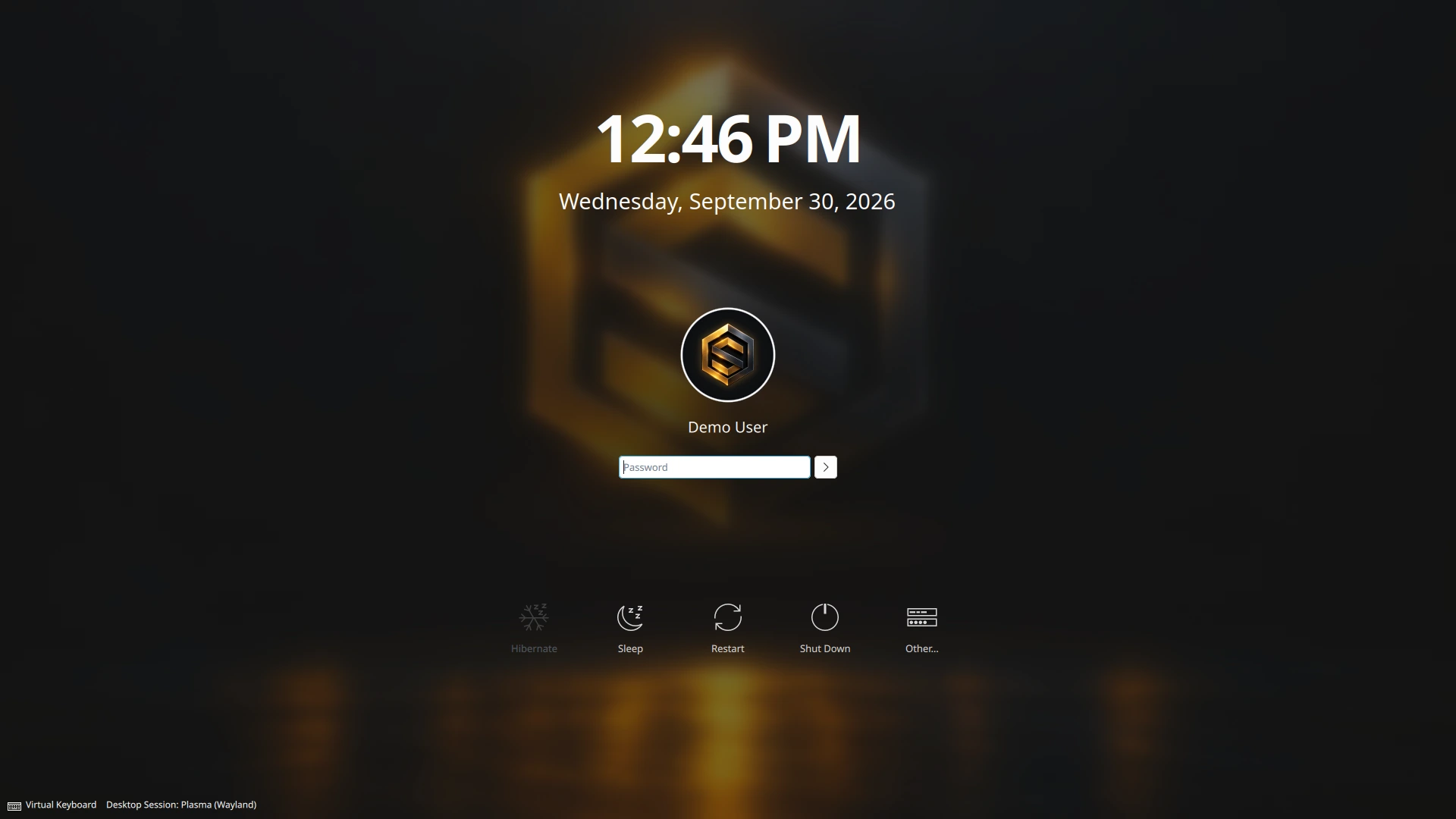
The umbra SDDM login theme restyled for 5.0, over a blurred emblem. Captured in a virtual machine from the last 5.0.0 release candidate, one rebuild before the signed ISO; the rebuild changed nothing on this screen.
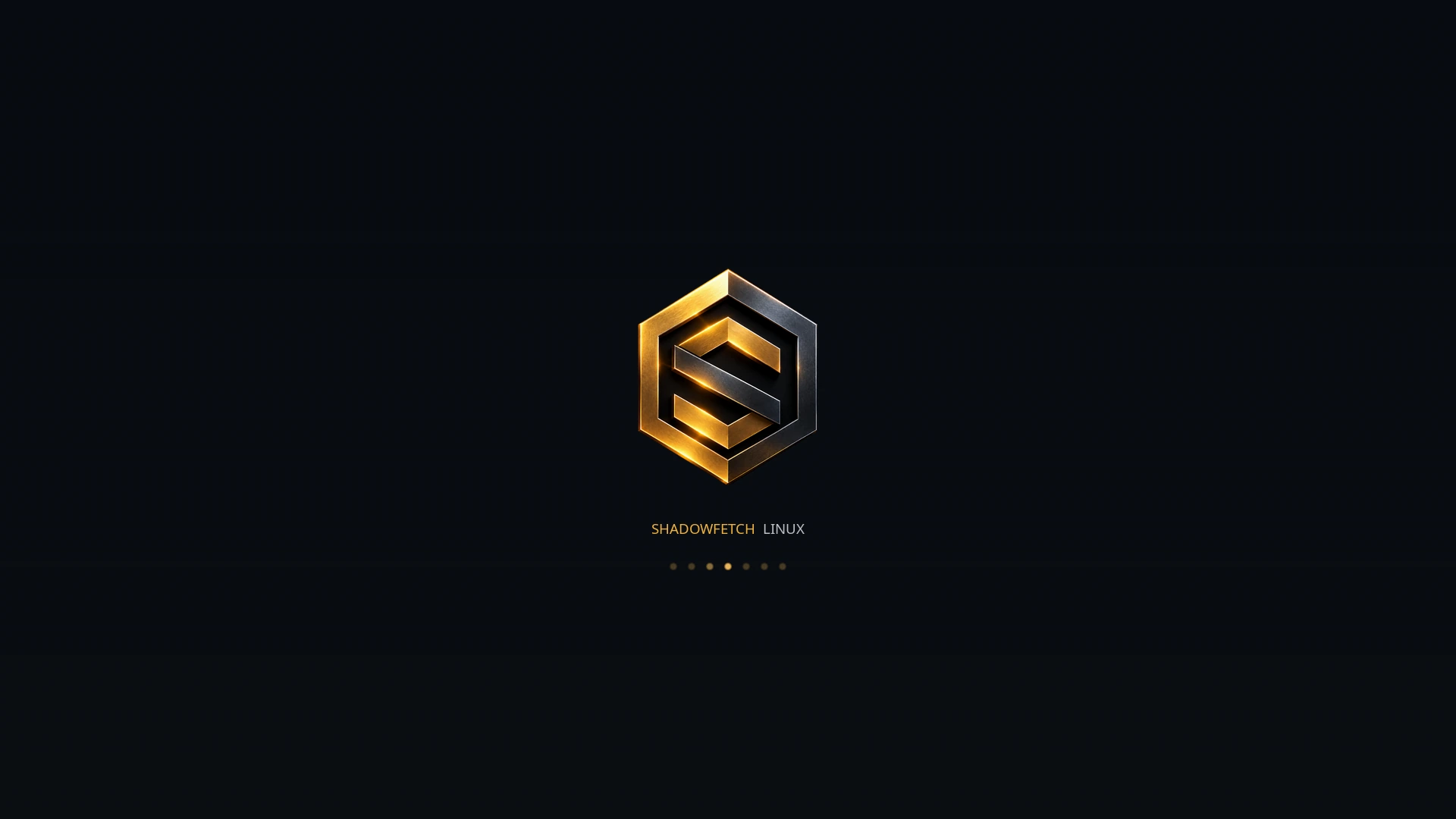
Boot splash
The 5.0 Plymouth boot splash. Captured in a virtual machine from the last 5.0.0 release candidate, one rebuild before the signed ISO; the rebuild changed nothing on this screen.
For reviewers and writers
You may use these images unchanged when covering Shadowfetch Linux. Say which are release artwork and which are ShadowCode documentation images, as the captions do. Brand and reuse terms are on thelicensing page.